Home · Hoodie · Cinna'bun ~ rce
Click and drag to rotate
Hoodie
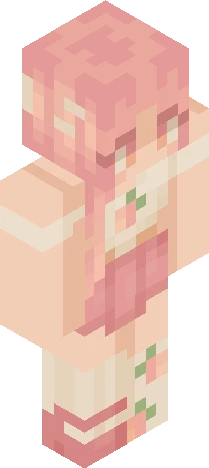
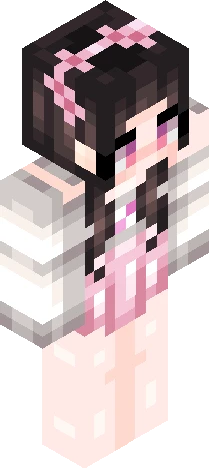
Cinna'bun ~ rce
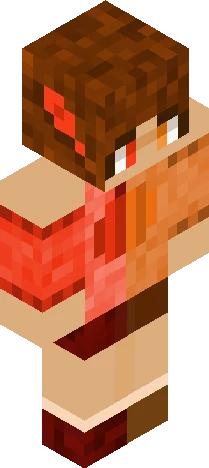
Show more! Hey there! I haven't posted in a while but I have been trying out light sourcing! Hope it looks good. Excuse the horrible hair shading. https://www.minecraftskins.com/skin/24325157/cinnamon-bun---500-rc/ Finally got one finished EDIT: Hey Guys! I forgot that I had to get this finished so I sloppily finished the last details late at night and posted it. The original name was going to be Crispy Cocoa, and I was going to try to do the hair shading better, but I hope for my first try at lightsourcing as a beginner, I made more experienced light-sourcers pleased at the most. Anyways, have a great day! -Trix
64×64 · classic or slim is detected from the PNG
Eaglercraft · Minecraft
Cara memakai skin ini di Eaglercraft
Unduh PNG, lalu terapkan di klien Eaglercraft yang sudah Anda pakai. Menu berbeda tiap host. Situs ini tidak membagikan game.
- 1Download the PNG with the button above.
- 2Open your Eaglercraft 1.8 client in the browser.
- 3On the title screen, open Options, then the skin control. It is often named Skin or Change Skin.
- 4Upload this PNG, or paste a direct image link if that menu asks for a URL.
- 5Join a world. The skin stays in this browser for that client.
Standard model · 64×64. Kami tidak pernah meminta kata sandi game. Berkas skin hanya gambar.
Pakai skin ini di Minecraft
- 1Download the same PNG.
- 2In the Minecraft Launcher, open Skins and choose a new skin.
- 3Pick classic or slim so the arms match this skin, then upload the file.
- 4Bedrock can use this artwork where that device lets you import a custom skin PNG. The file itself is the standard Java skin layout.