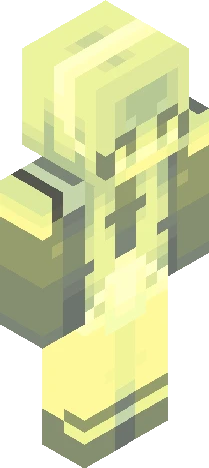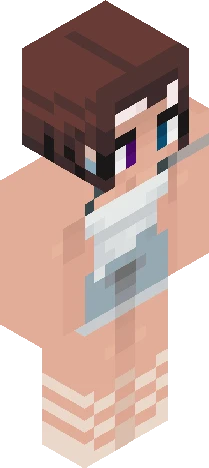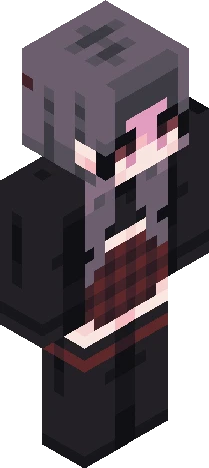
Click and drag to rotate
bycrim
effectz
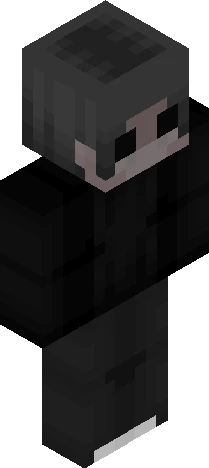
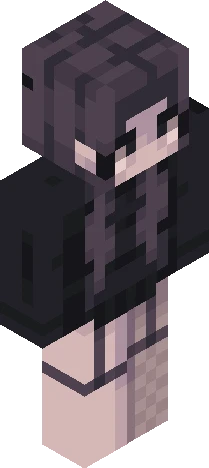
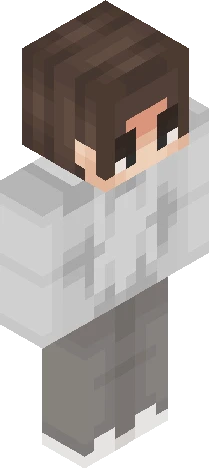
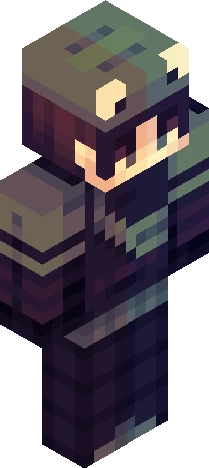
oooh the og is soo ugly stawp https://www.minecraftskins.com/skin/20157055/dazzle/ https://namemc.com/skin/51dc0e3fee135cf7 pink / red hair / ombre / fade / gradient / black / demon horns / devil / hoodie / hood / broken heart / effects / illusion skin / split dye / choker / necklace / stripes on arm idk / boots / laces / knee high converse / buttons / heels / platforms / goth / alt / girl / cute / cool / aesthetic / egirl / ...
64×64 · classic or slim is detected from the PNG
Eaglercraft · Minecraft
Cara memakai skin ini di Eaglercraft
Unduh PNG, lalu terapkan di klien Eaglercraft yang sudah Anda pakai. Menu berbeda tiap host. Situs ini tidak membagikan game.
- 1Download the PNG with the button above.
- 2Open your Eaglercraft 1.8 client in the browser.
- 3On the title screen, open Options, then the skin control. It is often named Skin or Change Skin.
- 4Upload this PNG, or paste a direct image link if that menu asks for a URL.
- 5Join a world. The skin stays in this browser for that client.
Standard model · 64×64. Kami tidak pernah meminta kata sandi game. Berkas skin hanya gambar.
Pakai skin ini di Minecraft
- 1Download the same PNG.
- 2In the Minecraft Launcher, open Skins and choose a new skin.
- 3Pick classic or slim so the arms match this skin, then upload the file.
- 4Bedrock can use this artwork where that device lets you import a custom skin PNG. The file itself is the standard Java skin layout.