Home · Dino · \ Silva Rain - reshade contest! /
Click and drag to rotate
Dino
\ Silva Rain - reshade contest! /
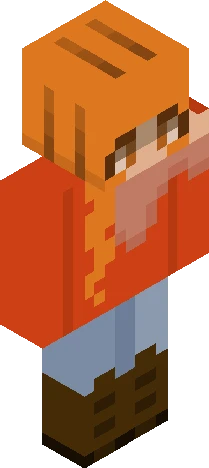
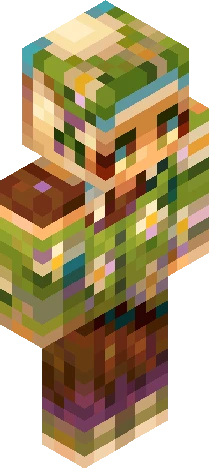
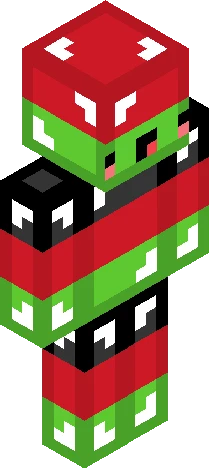
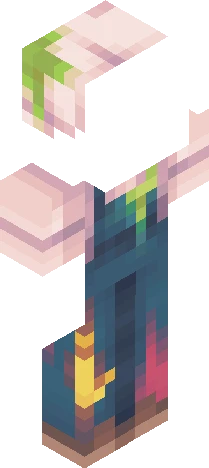
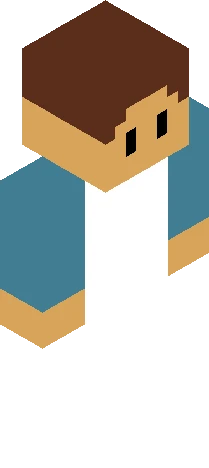
v expand for info v Currently hosting a reshade contest on PMC, but since Skindex is home to competitions I decided to bring it here too! I believe it'd make things more fun :D For context, this is a character of mine- she's a cute and derpy, dino girl who's dressed up for the occasion, and she needs help with choosing colours :P You can follow the link for more information about this event- (-> https://www.planetminecraft.com/skin/silva-rain-reshade-contest-for-800-subscribers/) but here's the basic info/rules: - The areas marked in grey can be shaded whichever colours you want - Light-sourcing and hue-shifting are encouraged, but go with whichever shading method you like - The design can be changed; please do keep it recognisable though! - Tag your work with "SilvaRc" for entering - Due date is 15th of September (extended since I've posted this late!) Annnd for prizes; 1st, 2nd and 3rd will receive a shout-out in my bio (both here and on PMC) + 2 honourable mentions <3 I think that's it- if you've got any questions feel free to ask c: thanks for viewing, (hope to see you enter heehee) and enjoy ~ !
64×64 · classic or slim is detected from the PNG
Eaglercraft · Minecraft
Cara memakai skin ini di Eaglercraft
Unduh PNG, lalu terapkan di klien Eaglercraft yang sudah Anda pakai. Menu berbeda tiap host. Situs ini tidak membagikan game.
- 1Download the PNG with the button above.
- 2Open your Eaglercraft 1.8 client in the browser.
- 3On the title screen, open Options, then the skin control. It is often named Skin or Change Skin.
- 4Upload this PNG, or paste a direct image link if that menu asks for a URL.
- 5Join a world. The skin stays in this browser for that client.
Standard model · 64×64. Kami tidak pernah meminta kata sandi game. Berkas skin hanya gambar.
Pakai skin ini di Minecraft
- 1Download the same PNG.
- 2In the Minecraft Launcher, open Skins and choose a new skin.
- 3Pick classic or slim so the arms match this skin, then upload the file.
- 4Bedrock can use this artwork where that device lets you import a custom skin PNG. The file itself is the standard Java skin layout.