Home · Announcement Skin · - Annoucement - Requests Skin
Click and drag to rotate
Announcement Skin
- Annoucement - Requests Skin
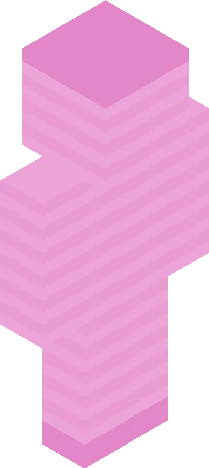
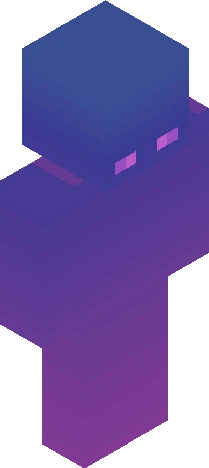
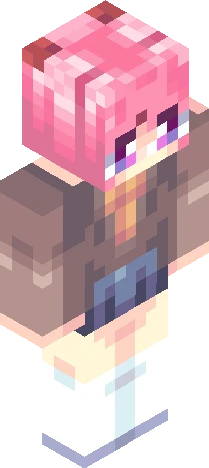
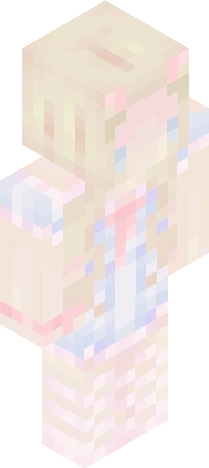
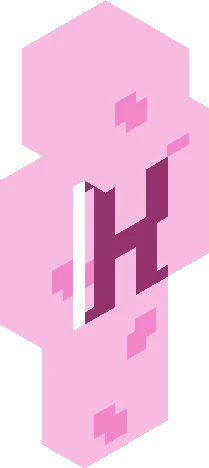
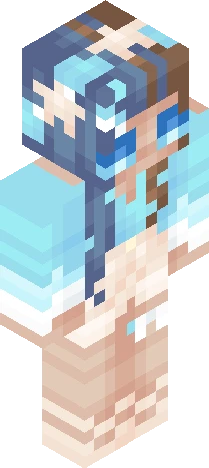
~ showw moreee ~ hellooo beautifull people i finally made an annoucement skin! I'm also making this a request skin! So if you wish to request a skin from me, just post your request on the coments bellow OR on the coments on my profile! Here are the kind of skins you can request from me: - Bases (clothe, hair or full skin) - Shaded (clothes, hair or full skin) - Annoucement skins (simple, pixel art or caracter-like, like mine) If you have any other type of skin on your mind, ask on the comments before making the request! Also this is all for free, i'm just doing it for fun! That being said, the request won't be my top priority, and it may take a while to post them depending on how many requests or how complicated is your request! Anyway, while making your request, be aware that the amount of details in the description will affect how much liberty i had on the desing/shading of the skin! I don't mind at all doing complicated desings, but you can't just say "oh, i want a fire boy" if what you REALLY want is a boy that's themed around fire with a fire hand, you know? Thanks for reading and i hope you guys like this! - Arty :3
64×64 · classic or slim is detected from the PNG
Eaglercraft · Minecraft
Cara memakai skin ini di Eaglercraft
Unduh PNG, lalu terapkan di klien Eaglercraft yang sudah Anda pakai. Menu berbeda tiap host. Situs ini tidak membagikan game.
- 1Download the PNG with the button above.
- 2Open your Eaglercraft 1.8 client in the browser.
- 3On the title screen, open Options, then the skin control. It is often named Skin or Change Skin.
- 4Upload this PNG, or paste a direct image link if that menu asks for a URL.
- 5Join a world. The skin stays in this browser for that client.
Standard model · 64×64. Kami tidak pernah meminta kata sandi game. Berkas skin hanya gambar.
Pakai skin ini di Minecraft
- 1Download the same PNG.
- 2In the Minecraft Launcher, open Skins and choose a new skin.
- 3Pick classic or slim so the arms match this skin, then upload the file.
- 4Bedrock can use this artwork where that device lets you import a custom skin PNG. The file itself is the standard Java skin layout.