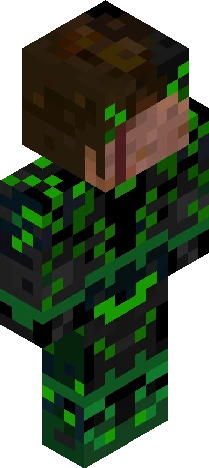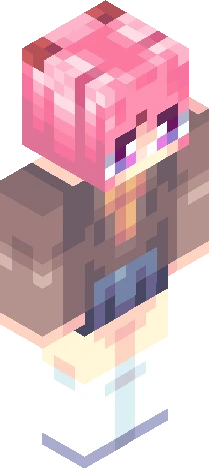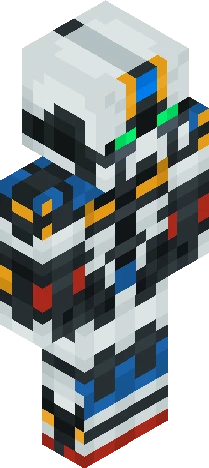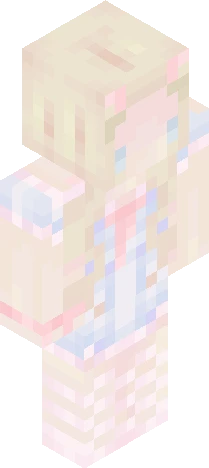
Click and drag to rotate
Anime
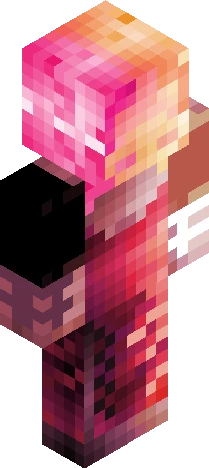
Gamer Slime. {SizArts.}
by SizArts · Minecraft Skins community listing
Free Gamer Slime. {SizArts.} skin for Minecraft and Eaglercraft. Tagged anime, cute, gamer, gaming. Use the 3D preview, remix it in our skin editor, or download the PNG with no watermark.
Uploader notes
Show More... Dive into adventure by playing with 8 new slime-themed skins fromthe "Slime Gang" Skin pack from SizArts! Today it's the turn of the gamer slime, one of the most colorful and bright slimes ever. Are you ready to step into its shoes? Download the full skin pack here! it's free! https://www.curseforge.com/minecraft-bedrock/skins/slime-gang -+* -+* -+* Looking for a custom skin? Feel free to Dm me on: -Discord: "SizArts." By adding the point too! -Reddit: Theartofsiz -+* -+* -+* Follow my works also on: -SkinsCollections. -Planet Minecraft. -NameMC -SkinMC -Reddit. -+* -+* -+* To the next skin, -SizArts.
64×64 · classic or slim is detected from the PNG
Added value
What’s on this skin page
Preview, categories, compatibility, and tools on this page — not a bare file mirror.
- Creator
- SizArts
- Source
- Minecraft Skins community listing · curated on Eaglercraft Studio
- Format
- 64×64 PNG skin texture
- Model
- Classic or slim (detected from the PNG)
- Compatible with
- Eaglercraft · Minecraft Java · Bedrock (classic skin import)
- Studio tools
- 3D preview · browser editor · avatar maker
- Categories
- Anime, Cute, Gamer, Gaming
Download
How to download this free skin
- 1Click Download skin to save the free PNG.
- 2Follow Use in Eaglercraft below for client steps, or import the file in Minecraft Java (Profile → Skins).
- 3Optional: open Avatar maker for a Discord / YouTube profile picture from the same texture.
Downloads are free. An optional account only saves favorites across devices.
Edit
How to edit this skin
- 1Open Edit skin to load this PNG in the browser editor.
- 2Paint, swap layers, or remix parts — changes stay on your device until you download.
- 3Export a new 64×64 PNG and use it in Eaglercraft or Minecraft Java.
Eaglercraft · Minecraft
Cara memakai skin ini di Eaglercraft
Unduh PNG, lalu terapkan di klien Eaglercraft yang sudah Anda pakai. Menu berbeda tiap host. Situs ini tidak membagikan game.
- 1Download the PNG with the button above.
- 2Open your Eaglercraft 1.8 client in the browser.
- 3On the title screen, open Options, then the skin control. It is often named Skin or Change Skin.
- 4Upload this PNG, or paste a direct image link if that menu asks for a URL.
- 5Join a world. The skin stays in this browser for that client.
Standard model · 64×64. Kami tidak pernah meminta kata sandi game. Berkas skin hanya gambar.
Pakai skin ini di Minecraft
- 1Download the same PNG.
- 2In the Minecraft Launcher, open Skins and choose a new skin.
- 3Pick classic or slim so the arms match this skin, then upload the file.
- 4Bedrock can use this artwork where that device lets you import a custom skin PNG. The file itself is the standard Java skin layout.
Similar skins
More library skins from related categories — curated for discovery, not random filler.