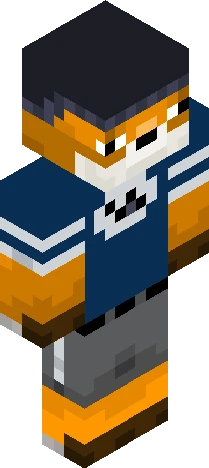
Home · Cool · Very nice German man who loves helping jewish people
Click and drag to rotate
Cool
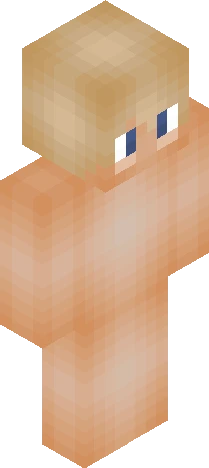
Very nice German man who loves helping jewish people
He is a very nice man who totally isn't bad, he will become Santa Claus and give you presents btw
64×64 · classic or slim is detected from the PNG
Eaglercraft · Minecraft
इस स्किन को Eaglercraft में इस्तेमाल करें
PNG डाउनलोड करें और उसे उस Eaglercraft क्लाइंट में लगाएँ जिसका आप पहले से उपयोग करते हैं। मेनू होस्ट के अनुसार बदलते हैं। यह साइट गेम वितरित नहीं करती।
- 1Download the PNG with the button above.
- 2Open your Eaglercraft 1.8 client in the browser.
- 3On the title screen, open Options, then the skin control. It is often named Skin or Change Skin.
- 4Upload this PNG, or paste a direct image link if that menu asks for a URL.
- 5Join a world. The skin stays in this browser for that client.
Standard model · 64×64. हम कभी गेम पासवर्ड नहीं माँगते। स्किन फ़ाइल केवल चित्र है।
इस स्किन को Minecraft में इस्तेमाल करें
- 1Download the same PNG.
- 2In the Minecraft Launcher, open Skins and choose a new skin.
- 3Pick classic or slim so the arms match this skin, then upload the file.
- 4Bedrock can use this artwork where that device lets you import a custom skin PNG. The file itself is the standard Java skin layout.