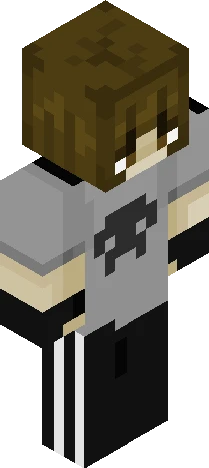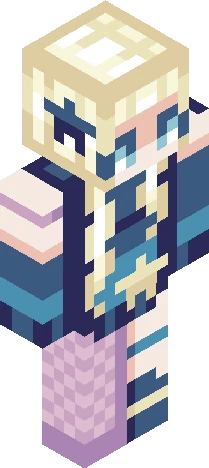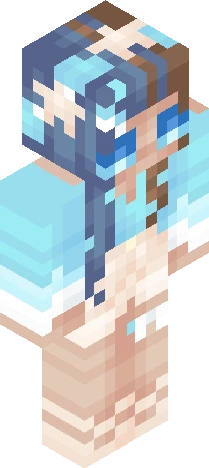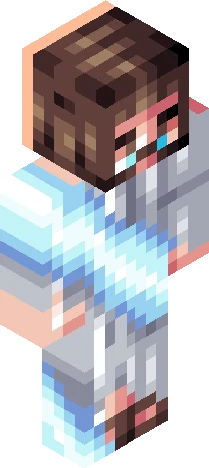
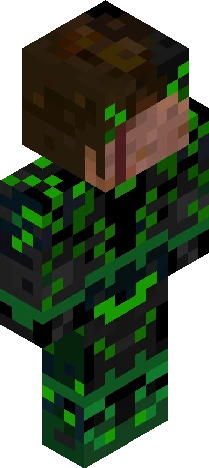
Click and drag to rotate
Black
elio!
by IcyPenguin11 · Minecraft Skins community listing
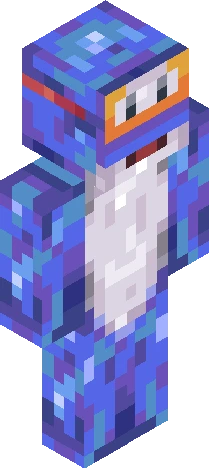
Free elio! skin for Minecraft and Eaglercraft. Tagged black, blue, dark blue, i dont know what to put as a tag here. Use the 3D preview, remix it in our skin editor, or download the PNG with no watermark.
Uploader notes
yesyesyes it is the one amazing human who makes amazing music elio mei !! this is "kinda" based on the art from the song elio lol okok the skin looks kind of bad but i TRIED okay. ahahha i just love their music cuz yeah he manages to make the best music idk how kiinda crazy cant stop listening to them aaand i dont have a favourite song because i love all his music except forr maybe one song. but id mention quarters or one man circus as my favourite but no other artist is better than this epic person anyway anyway no one cares about my opinions i just hope you like this skin that isnt that shaded.. haha im sory i feel like shaded skins r sometimes TOO much yk so yeah yeah im uh yeh ok i talk too much bye bye!! Have a great day <3 <3
64×64 · classic or slim is detected from the PNG
Added value
What’s on this skin page
Preview, categories, compatibility, and tools on this page — not a bare file mirror.
- Creator
- IcyPenguin11
- Source
- Minecraft Skins community listing · curated on Eaglercraft Studio
- Format
- 64×64 PNG skin texture
- Model
- Classic or slim (detected from the PNG)
- Compatible with
- Eaglercraft · Minecraft Java · Bedrock (classic skin import)
- Studio tools
- 3D preview · browser editor · avatar maker
- Categories
- Black, Blue, dark blue, i dont know what to put as a tag here
Download
How to download this free skin
- 1Click Download skin to save the free PNG.
- 2Follow Use in Eaglercraft below for client steps, or import the file in Minecraft Java (Profile → Skins).
- 3Optional: open Avatar maker for a Discord / YouTube profile picture from the same texture.
Downloads are free. An optional account only saves favorites across devices.
Edit
How to edit this skin
- 1Open Edit skin to load this PNG in the browser editor.
- 2Paint, swap layers, or remix parts — changes stay on your device until you download.
- 3Export a new 64×64 PNG and use it in Eaglercraft or Minecraft Java.
Eaglercraft · Minecraft
इस स्किन को Eaglercraft में इस्तेमाल करें
PNG डाउनलोड करें और उसे उस Eaglercraft क्लाइंट में लगाएँ जिसका आप पहले से उपयोग करते हैं। मेनू होस्ट के अनुसार बदलते हैं। यह साइट गेम वितरित नहीं करती।
- 1Download the PNG with the button above.
- 2Open your Eaglercraft 1.8 client in the browser.
- 3On the title screen, open Options, then the skin control. It is often named Skin or Change Skin.
- 4Upload this PNG, or paste a direct image link if that menu asks for a URL.
- 5Join a world. The skin stays in this browser for that client.
Standard model · 64×64. हम कभी गेम पासवर्ड नहीं माँगते। स्किन फ़ाइल केवल चित्र है।
इस स्किन को Minecraft में इस्तेमाल करें
- 1Download the same PNG.
- 2In the Minecraft Launcher, open Skins and choose a new skin.
- 3Pick classic or slim so the arms match this skin, then upload the file.
- 4Bedrock can use this artwork where that device lets you import a custom skin PNG. The file itself is the standard Java skin layout.
Similar skins
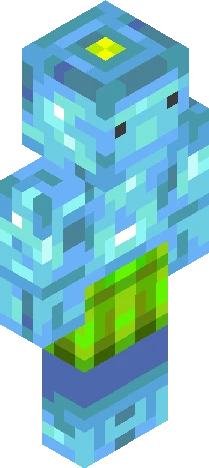
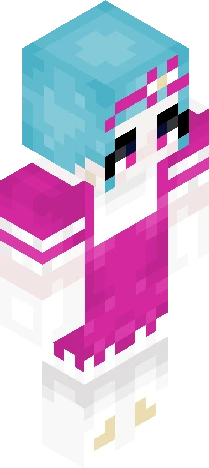
More library skins from related categories — curated for discovery, not random filler.