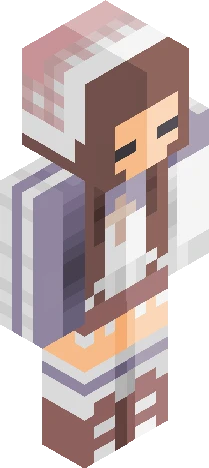
Home · Cute · \ Mischievous pumpkin /
Click and drag to rotate
Cute
\ Mischievous pumpkin /
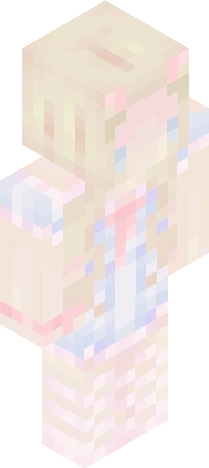
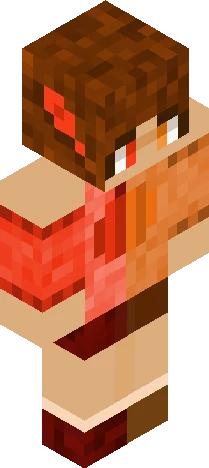
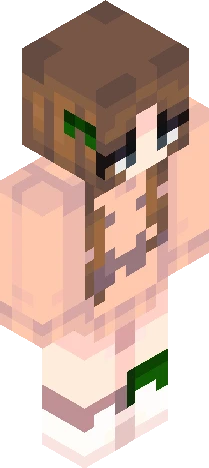
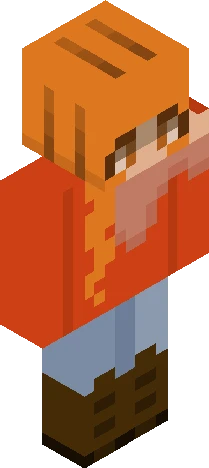
v expand for info v made a pretty little autumn girl ~ I must apologise for the lack of uploads, I've been working a little more on my channel! -<- which reminds me- I have yet to officially announce it. Though I'll probably do it in a another post, I have just finished my colour video c: been asked a few times about colouring, so I tried my best to put together a guide -> https://youtu.be/ijbDHUwWxq0 It's taken me a week to finish, so I'd really appreciate it if you'd please view! Open to criticism since it's my very first guide (and that I struggled with this >~<') phew- it's incredibly late here, but thank you for viewing, and hope you enjoy ~ ! <3
64×64 · classic or slim is detected from the PNG
Eaglercraft · Minecraft
इस स्किन को Eaglercraft में इस्तेमाल करें
PNG डाउनलोड करें और उसे उस Eaglercraft क्लाइंट में लगाएँ जिसका आप पहले से उपयोग करते हैं। मेनू होस्ट के अनुसार बदलते हैं। यह साइट गेम वितरित नहीं करती।
- 1Download the PNG with the button above.
- 2Open your Eaglercraft 1.8 client in the browser.
- 3On the title screen, open Options, then the skin control. It is often named Skin or Change Skin.
- 4Upload this PNG, or paste a direct image link if that menu asks for a URL.
- 5Join a world. The skin stays in this browser for that client.
Standard model · 64×64. हम कभी गेम पासवर्ड नहीं माँगते। स्किन फ़ाइल केवल चित्र है।
इस स्किन को Minecraft में इस्तेमाल करें
- 1Download the same PNG.
- 2In the Minecraft Launcher, open Skins and choose a new skin.
- 3Pick classic or slim so the arms match this skin, then upload the file.
- 4Bedrock can use this artwork where that device lets you import a custom skin PNG. The file itself is the standard Java skin layout.