Home · xlovecutiexskintober2026 · . skintober
Click and drag to rotate
xlovecutiexskintober2026
. skintober
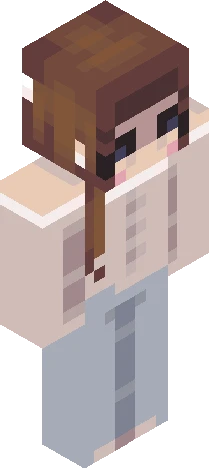
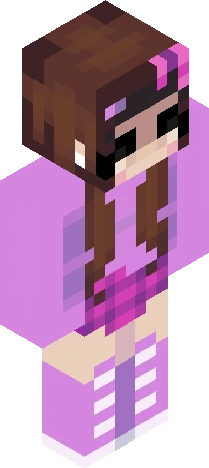
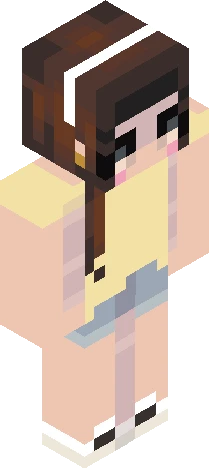
:O hi all!! We are approaching the month of october, which means its almost time for skintober! I know there is some controversy (not sure if thats the right word for it) over the name skintober, soo i would like to make clear that i did NOT come up with the name, and creds to the creator. However, ill be doing a different skintober than the original one made by the creator. Important information about how im doing skintober: - will be posting a skin every day for 31 days (all days in october) - will be following my own prompt list - will be tagging everything with ‘xlovecutiexskintober2026’ on top of my normal tag - will be hosting a reshade as one of the days I also want to mention just in case ur wondering that i will be premaking skins because making a skin every day is simply not possible for me. I also am traveling mid october so im not sure if the skins will be posted on time during the days im not home, but ill see how im gonna plan it. anywhoo the prompt list will be linked in the comments lmk if yall have any questions!! cyall laterrr bye stinky aliens, attack helicopters, doorframes, stealh bombers, penguins, and butr shaped peeps !!
64×64 · classic or slim is detected from the PNG
Eaglercraft · Minecraft
Utiliser ce skin dans Eaglercraft
Télécharge le PNG, puis applique-le dans le client Eaglercraft que tu utilises déjà. Les menus varient selon l’hébergeur. Ce site ne distribue pas le jeu.
- 1Download the PNG with the button above.
- 2Open your Eaglercraft 1.8 client in the browser.
- 3On the title screen, open Options, then the skin control. It is often named Skin or Change Skin.
- 4Upload this PNG, or paste a direct image link if that menu asks for a URL.
- 5Join a world. The skin stays in this browser for that client.
Standard model · 64×64. Nous ne demandons jamais de mot de passe de jeu. Un fichier de skin n’est que de l’illustration.
Utiliser ce skin dans Minecraft
- 1Download the same PNG.
- 2In the Minecraft Launcher, open Skins and choose a new skin.
- 3Pick classic or slim so the arms match this skin, then upload the file.
- 4Bedrock can use this artwork where that device lets you import a custom skin PNG. The file itself is the standard Java skin layout.