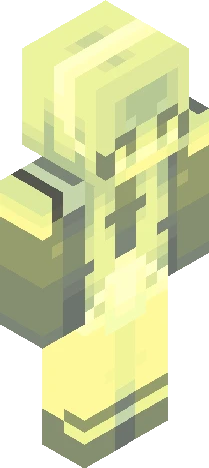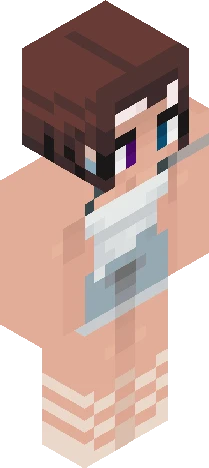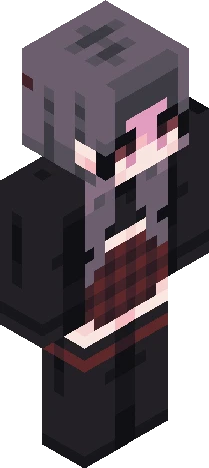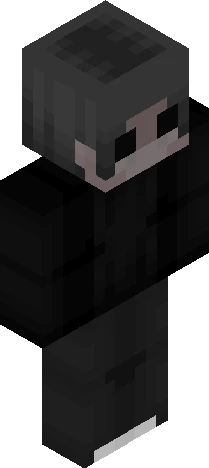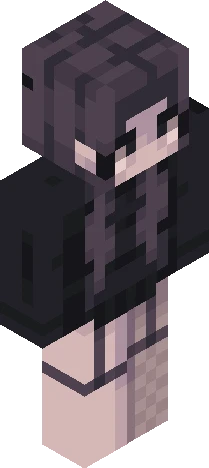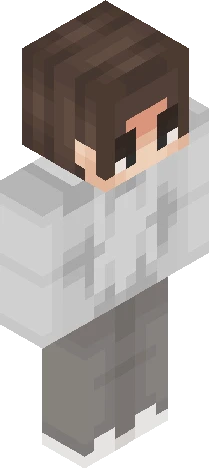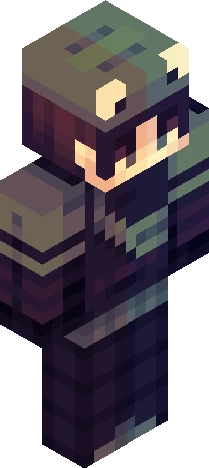
Click and drag to rotate
bycrim
remake
the og way better oopsies https://www.minecraftskins.com/skin/22976866/stardust/ https://namemc.com/skin/0087e0810e385d19 pink / light blue / dark blue / yellow / gold / black / heart sunglasses / hearts / big bow / hair tie / elf ears / pointed ears / earrings / jewelry / glasses / ombre / fade / gradient / bangs / braid / curly hair / wavy hair / choker / necklace / mini dress / skirt / belt / bangles / off the shoulder / ruffles / layers / fishnet / leggings / buttons / tights / socks / boots / heels / platforms / buckles / laces / girl / cute / aesthetic / cool / shiny / transparent pixels / ...
64×64 · classic or slim is detected from the PNG
Eaglercraft · Minecraft
Utiliser ce skin dans Eaglercraft
Télécharge le PNG, puis applique-le dans le client Eaglercraft que tu utilises déjà. Les menus varient selon l’hébergeur. Ce site ne distribue pas le jeu.
- 1Download the PNG with the button above.
- 2Open your Eaglercraft 1.8 client in the browser.
- 3On the title screen, open Options, then the skin control. It is often named Skin or Change Skin.
- 4Upload this PNG, or paste a direct image link if that menu asks for a URL.
- 5Join a world. The skin stays in this browser for that client.
Standard model · 64×64. Nous ne demandons jamais de mot de passe de jeu. Un fichier de skin n’est que de l’illustration.
Utiliser ce skin dans Minecraft
- 1Download the same PNG.
- 2In the Minecraft Launcher, open Skins and choose a new skin.
- 3Pick classic or slim so the arms match this skin, then upload the file.
- 4Bedrock can use this artwork where that device lets you import a custom skin PNG. The file itself is the standard Java skin layout.