Home · Aesthetic · .:. N e c t a r .:. rce
Click and drag to rotate
Aesthetic
.:. N e c t a r .:. rce
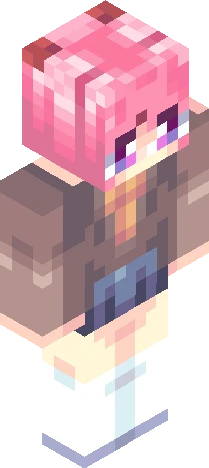
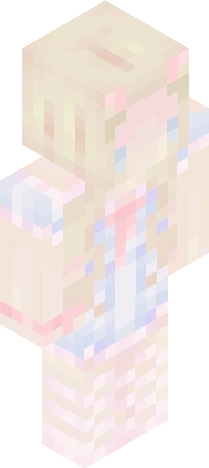
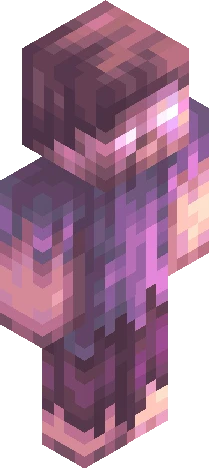
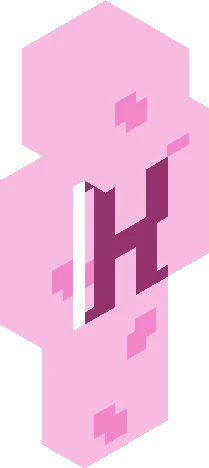
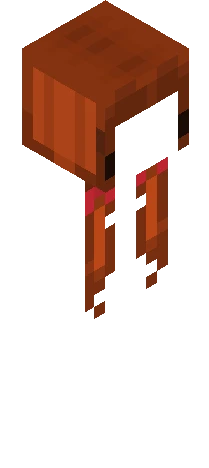
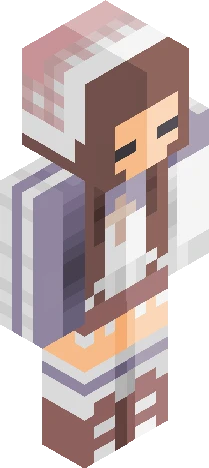
Hiii ( see more plss) This is a reshade contest entry for bunnisprinkles 100 follower event!! -> https://www.minecraftskins.com/skin/24358729/---seashores---rc---/ bunni100rc Important notice: - Please do not upload, copy, recreate or edit this skins, especially as this is a contest entry!! - If you have any questions feel free to ask, I will happily reply Have a blessed warm and sunny autumn day (spring/for others down in australia)!!! ~ baiii
64×64 · classic or slim is detected from the PNG
Eaglercraft · Minecraft
Cómo usar este skin en Eaglercraft
Descarga el PNG y aplícalo en el cliente de Eaglercraft que ya usas. Los menús cambian según el sitio. Esta página no distribuye el juego.
- 1Download the PNG with the button above.
- 2Open your Eaglercraft 1.8 client in the browser.
- 3On the title screen, open Options, then the skin control. It is often named Skin or Change Skin.
- 4Upload this PNG, or paste a direct image link if that menu asks for a URL.
- 5Join a world. The skin stays in this browser for that client.
Standard model · 64×64. Nunca pedimos la contraseña del juego. Un archivo de skin es solo ilustración.
Usar este skin en Minecraft
- 1Download the same PNG.
- 2In the Minecraft Launcher, open Skins and choose a new skin.
- 3Pick classic or slim so the arms match this skin, then upload the file.
- 4Bedrock can use this artwork where that device lets you import a custom skin PNG. The file itself is the standard Java skin layout.