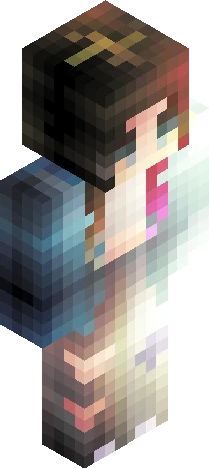
Home · 800 Followers · 800 Followers Palette Contest ~ Read Description Prior to Joining
Click and drag to rotate
800 Followers
800 Followers Palette Contest ~ Read Description Prior to Joining
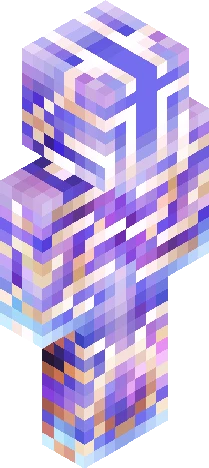
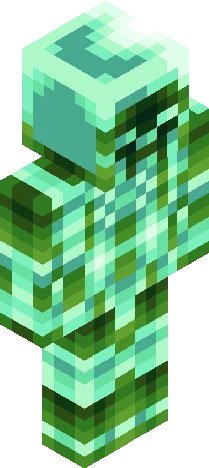
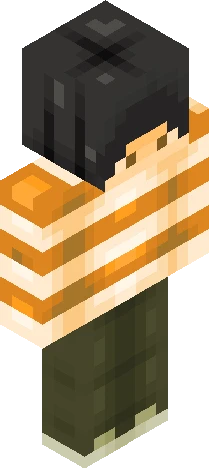
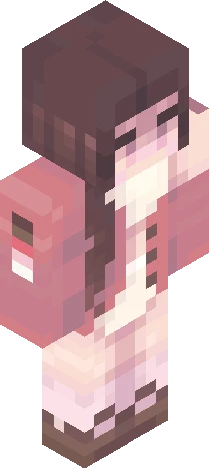
~READ HERE~ Introduction: I have finally reached 800 followers again, after I deleted my old account years ago. To celebrate, I shall host a palette contest, but be warned: good palettes from my closet require good creativity, my friend. Rules: -Single Entry; all submissions must be fully completed with no duplicates nor second attempts. Minour corrections are exempt but must be justified -Single Palette; all submissions must use all colours provided in the palette and cannot contain colours from a different palette. Hue shifting is allowed for shading, however, with pure black and white forbidden and extraneous hues restricted to above in this rule. -Palettes are Limited: While first come serve, there is a natural limit of five participants per a palette. If the number of participants exceeds 35, choice shall be invalidated and I will choose the palette for you. PALETTES MUST BE DECLARED BEFORE JOINING. -Tag: Zuimba800 and [PaletteName+Zuimba800] -FOLLOW ALL SKINDEX RULES Palette Index: -Solaris (Head): 3/5 -Mars (Left Arm): 5/5 -Marsh (Right Arm): 5/5 -PumpkinDoom (Left Torso): 5/5 -Ghastly (Right Torso): 5/5 -IronBleu (Left Leg): 5/5 -Sleeper (Right Leg): 5/5 Good luck!
64×64 · classic or slim is detected from the PNG
Eaglercraft · Minecraft
Cómo usar este skin en Eaglercraft
Descarga el PNG y aplícalo en el cliente de Eaglercraft que ya usas. Los menús cambian según el sitio. Esta página no distribuye el juego.
- 1Download the PNG with the button above.
- 2Open your Eaglercraft 1.8 client in the browser.
- 3On the title screen, open Options, then the skin control. It is often named Skin or Change Skin.
- 4Upload this PNG, or paste a direct image link if that menu asks for a URL.
- 5Join a world. The skin stays in this browser for that client.
Standard model · 64×64. Nunca pedimos la contraseña del juego. Un archivo de skin es solo ilustración.
Usar este skin en Minecraft
- 1Download the same PNG.
- 2In the Minecraft Launcher, open Skins and choose a new skin.
- 3Pick classic or slim so the arms match this skin, then upload the file.
- 4Bedrock can use this artwork where that device lets you import a custom skin PNG. The file itself is the standard Java skin layout.
Similar skins


_~>{S M O U L D E R I N G \ W I T H / P A S S I O N}<~_
64×64 PNG · Java, Bedrock, Eaglercraft
Editar skin