
Figurine Display
by StrawberryEnjoyer · 2026-09-06 · Texture packs
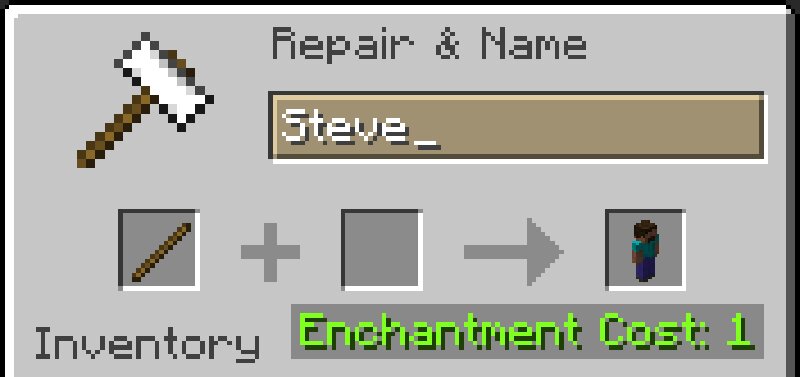
A vanilla resource pack to display Minecraft skins as statues when a Stick item is renamed. How to use your own skin textures and obtain statues in-game: - Go to resourcepacks\Figurine Display\assets\original\textures\item\ - If your custom skin uses a wide layout, click the wide folder. If your skin uses a slim layout, click the slim folder - Replace any of the w* (if wide) or s* (if slim) textures by your own skin texture - Note down the file name of the texture you modified (for example, w7) - Reload the resource pack (F3+T) - Rename a stick to match the file name of the texture you modified (for example, w7) ; it should display normally Features: - Includes Steve, Alex and Notch skins by default - Replicates the exact player entity models - Supports wide and slim skin layouts - Works especially well with invisible item frames - Supports 60 custom skin slots (for now!) - Works fully vanilla Non-features: - Can't support pre-1.8 skins (64x32 textures) - Can't animate skins Current version : 1