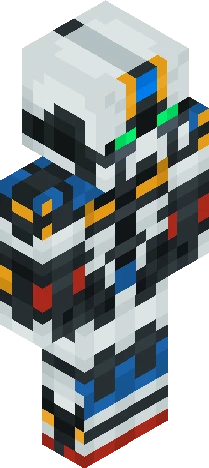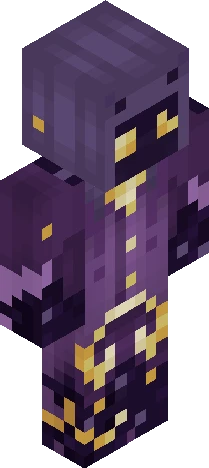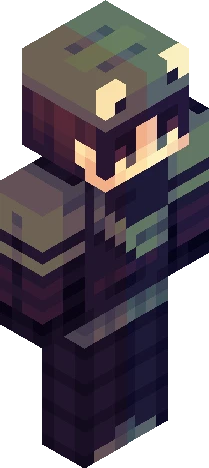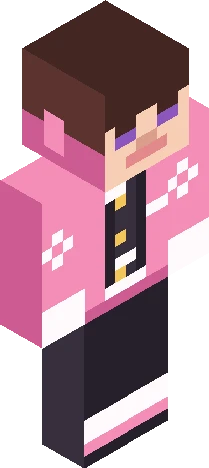
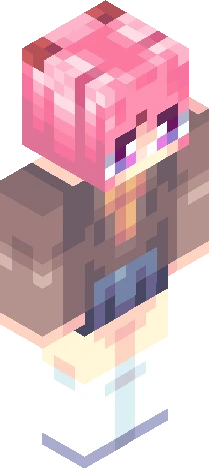
Click and drag to rotate
Anime
Beyond Birthday ( Death Note )
by Tokyis · Minecraft Skins community listing
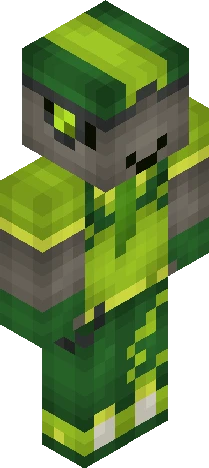
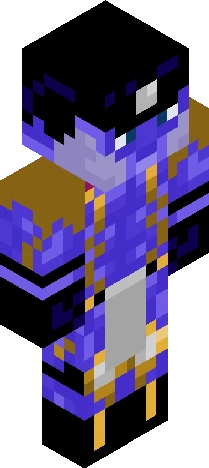
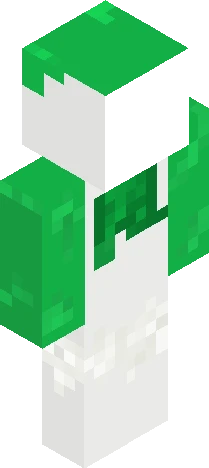
Beyond Birthday ( Death Note ) is a free 64×64 Minecraft skin PNG in the Eaglercraft Studio library. Tagged anime, light, beyond birthday, character. Compatible with Eaglercraft and Minecraft Java — rotate the 3D viewer, edit online, or download.
Uploader notes
please don't post edits of or re upload my skins, thank you! :) - - - - - deathnote, death note, anime, anime character, beyond birthday, bb, b, l, l deathnote, matt, mello, near, light, light yagami, l lawliet, misa, misa amane, ryuk, mikami, halloween, blood, black, sweater, blacksweater jeans, blue, blue jeans, eboy, boy, dark,red, red eyes, black hair, spooky, sweatshirt,
64×64 · classic or slim is detected from the PNG
Added value
What’s on this skin page
Preview, categories, compatibility, and tools on this page — not a bare file mirror.
- Creator
- Tokyis
- Source
- Minecraft Skins community listing · curated on Eaglercraft Studio
- Format
- 64×64 PNG skin texture
- Model
- Classic or slim (detected from the PNG)
- Compatible with
- Eaglercraft · Minecraft Java · Bedrock (classic skin import)
- Studio tools
- 3D preview · browser editor · avatar maker
- Categories
- Anime, LIGHT, beyond birthday, character
Download
How to download this free skin
- 1Click Download skin to save the free PNG.
- 2Follow Use in Eaglercraft below for client steps, or import the file in Minecraft Java (Profile → Skins).
- 3Optional: open Avatar maker for a Discord / YouTube profile picture from the same texture.
Downloads are free. An optional account only saves favorites across devices.
Edit
How to edit this skin
- 1Open Edit skin to load this PNG in the browser editor.
- 2Paint, swap layers, or remix parts — changes stay on your device until you download.
- 3Export a new 64×64 PNG and use it in Eaglercraft or Minecraft Java.
Eaglercraft · Minecraft
So nutzt du diesen Skin in Eaglercraft
Lade die PNG herunter und wende sie im Eaglercraft-Client an, den du bereits nutzt. Die Menüs unterscheiden sich je nach Host. Diese Website verteilt das Spiel nicht.
- 1Download the PNG with the button above.
- 2Open your Eaglercraft 1.8 client in the browser.
- 3On the title screen, open Options, then the skin control. It is often named Skin or Change Skin.
- 4Upload this PNG, or paste a direct image link if that menu asks for a URL.
- 5Join a world. The skin stays in this browser for that client.
Standard model · 64×64. Wir fragen nie nach einem Spielpasswort. Eine Skin-Datei ist nur Grafik.
Diesen Skin in Minecraft nutzen
- 1Download the same PNG.
- 2In the Minecraft Launcher, open Skins and choose a new skin.
- 3Pick classic or slim so the arms match this skin, then upload the file.
- 4Bedrock can use this artwork where that device lets you import a custom skin PNG. The file itself is the standard Java skin layout.
Similar skins
More library skins from related categories — curated for discovery, not random filler.