Home · TwilightSongs100 · Hope // CE
Click and drag to rotate
TwilightSongs100
Hope // CE
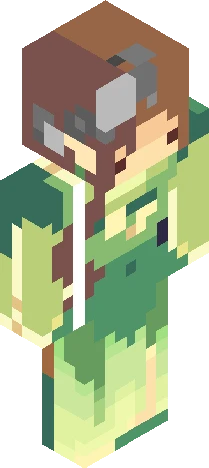
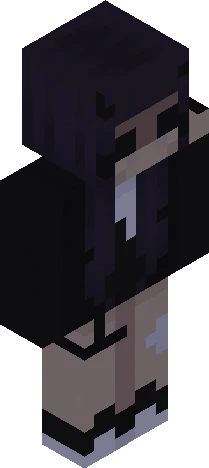
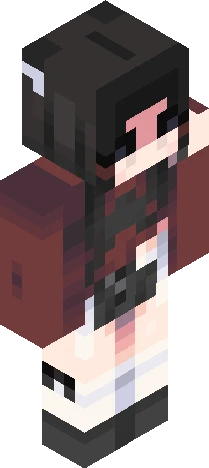
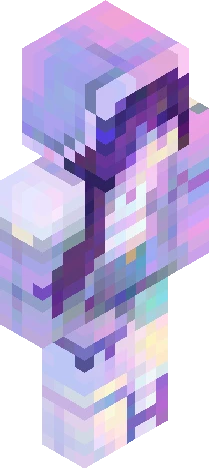
v expand for info v Entry for firegirl139's themed contest! Another late one, but I managed just in time. -> https://www.minecraftskins.com/skin/24297157/songs-of-the-twilight/ I actually wasn't going to participate in this since I felt a little burnt out, but then I saw the theme; "HOPE" is one of my absolute favourite songs, simply couldn't turn it down after that c: The concept is a girl clinging to 'hope' (the star), trying to escape from 'fear' (the hand on her back) while surrounded by pitch black darkness; it's supposed to be like the star is the only hope left, and fear's racing to grab it- this sounds rather ridiculous, sorry! But I believe it would be hard to decipher the skin without an explanation.. o<o And of course this was rushed, so I apologise for the messy bits- but still I hope you all enjoy ~ ! <3
64×64 · classic or slim is detected from the PNG
Eaglercraft · Minecraft
So nutzt du diesen Skin in Eaglercraft
Lade die PNG herunter und wende sie im Eaglercraft-Client an, den du bereits nutzt. Die Menüs unterscheiden sich je nach Host. Diese Website verteilt das Spiel nicht.
- 1Download the PNG with the button above.
- 2Open your Eaglercraft 1.8 client in the browser.
- 3On the title screen, open Options, then the skin control. It is often named Skin or Change Skin.
- 4Upload this PNG, or paste a direct image link if that menu asks for a URL.
- 5Join a world. The skin stays in this browser for that client.
Standard model · 64×64. Wir fragen nie nach einem Spielpasswort. Eine Skin-Datei ist nur Grafik.
Diesen Skin in Minecraft nutzen
- 1Download the same PNG.
- 2In the Minecraft Launcher, open Skins and choose a new skin.
- 3Pick classic or slim so the arms match this skin, then upload the file.
- 4Bedrock can use this artwork where that device lets you import a custom skin PNG. The file itself is the standard Java skin layout.