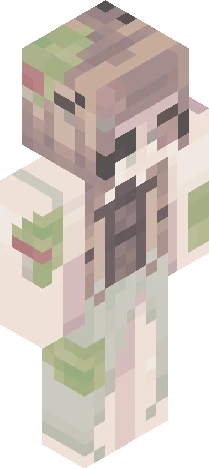
Home · 500ftce · -- 500 Followers: Themed Contest --
Click and drag to rotate
500ftce
-- 500 Followers: Themed Contest --
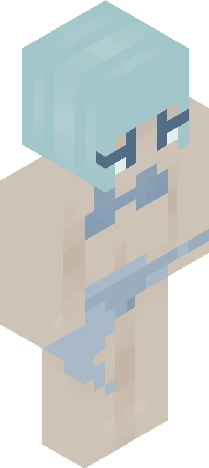
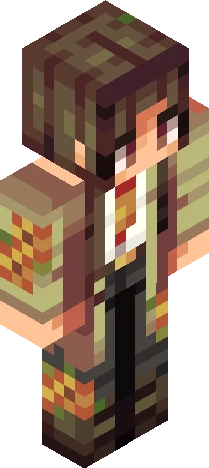
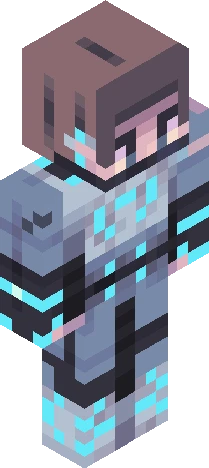
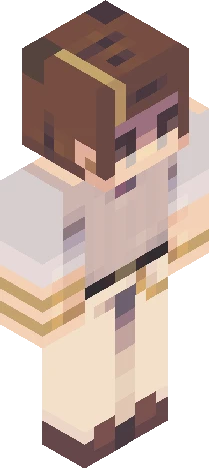
[show more] first of all, thanks sm for 500 followers <3 i appreciate y’all to celebrate, here’s a themed contest (with a bit of a twist for the sillies) You’ll be randomly getting two themes that you’ll have to combine into one skin; . One theme will be relatively straightforward, like an aesthetic or a style. . The other theme will be an abstract idea that you’ll have to incorporate into your design. (i.e. emotions, values, concepts, that sort of thing.) Rules; . Tell me in the comments if you’re joining so I can give you your two themes. You get 2 rerolls for each theme; just remember, you can’t go back once you use a reroll. . Please try your best to use both of your themes! I’ll be judging partially on creativity. I encourage you to explain parts of your design in the skin’s description so I can see your thought process. . Don’t use themes you aren’t assigned. . Anyone can join! (Invite not required) . Follow Skindex rules. (obviously-) . Tag it with ‘500ftce’ << . Due October 4th (extensions are allowed, just ask!) Prizes; 1st . 5 pages of likes and 2 follows 2nd . 4 pages of likes and 1 follow 3rd . 3 pages of likes HM . 1 page of likes [au revoir]
500ftceEaglercraft
64×64 · classic or slim is detected from the PNG
Eaglercraft · Minecraft
So nutzt du diesen Skin in Eaglercraft
Lade die PNG herunter und wende sie im Eaglercraft-Client an, den du bereits nutzt. Die Menüs unterscheiden sich je nach Host. Diese Website verteilt das Spiel nicht.
- 1Download the PNG with the button above.
- 2Open your Eaglercraft 1.8 client in the browser.
- 3On the title screen, open Options, then the skin control. It is often named Skin or Change Skin.
- 4Upload this PNG, or paste a direct image link if that menu asks for a URL.
- 5Join a world. The skin stays in this browser for that client.
Standard model · 64×64. Wir fragen nie nach einem Spielpasswort. Eine Skin-Datei ist nur Grafik.
Diesen Skin in Minecraft nutzen
- 1Download the same PNG.
- 2In the Minecraft Launcher, open Skins and choose a new skin.
- 3Pick classic or slim so the arms match this skin, then upload the file.
- 4Bedrock can use this artwork where that device lets you import a custom skin PNG. The file itself is the standard Java skin layout.