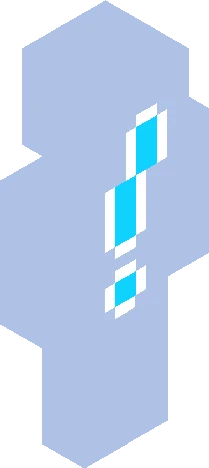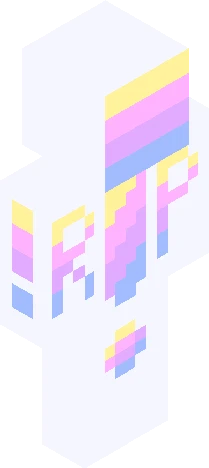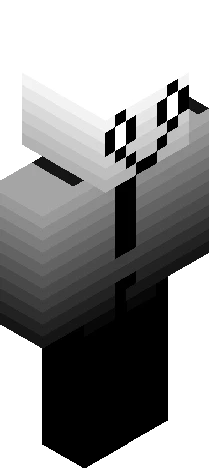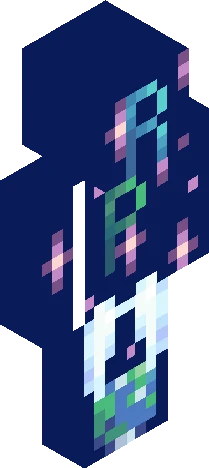
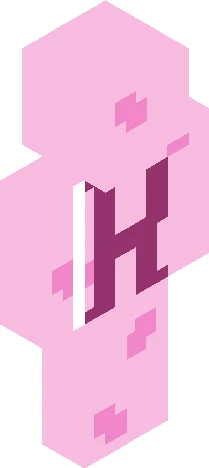
Click and drag to rotate
Warrior
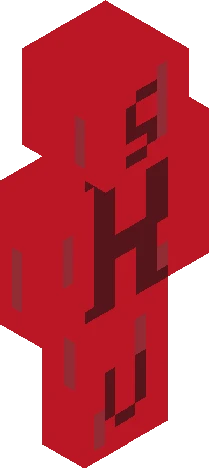
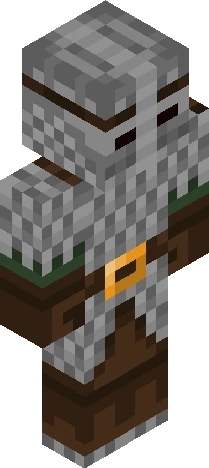
Warrior Cats RP! :D
by Skins4wins · Minecraft Skins community listing
Download Warrior Cats RP! :D Minecraft skin for free. Compatible with Minecraft Java, Bedrock, and Eaglercraft. Tagged warrior, cats, roleplay, yay. Preview it in 3D, open it in the browser-based skin editor, or save the 64×64 PNG.
Uploader notes
... Notice: I must finish the first six books before we can start. But that wont take to long. Required information: Name: Status: (medicine , warrior etc) Clan: Fur coat: (Tabby , calico etc) Personality: Gender: If apprentice then mentor: (can be another person) Skills: Fav food: . Rules: No mean, rude or inappropriate things, No romance without permission (unless there your characters), Let me finish the books, Listen to peoples ideas and dont ignore, HAVE FUN!!! Start date: Whenever i finish the books. I'm on book three but i read fast so dont worry :3 Dont ask why i always use this green colour :P Have fun!
64×64 · classic or slim is detected from the PNG
Added value
What’s on this skin page
Preview, categories, compatibility, and tools on this page — not a bare file mirror.
- Creator
- Skins4wins
- Source
- Minecraft Skins community listing · curated on Eaglercraft Studio
- Format
- 64×64 PNG skin texture
- Model
- Classic or slim (detected from the PNG)
- Compatible with
- Eaglercraft · Minecraft Java · Bedrock (classic skin import)
- Studio tools
- 3D preview · browser editor · avatar maker
- Categories
- Warrior, cats, roleplay, yay
Download
How to download this free skin
- 1Click Download skin to save the free PNG.
- 2Follow Use in Eaglercraft below for client steps, or import the file in Minecraft Java (Profile → Skins).
- 3Optional: open Avatar maker for a Discord / YouTube profile picture from the same texture.
Downloads are free. An optional account only saves favorites across devices.
Edit
How to edit this skin
- 1Open Edit skin to load this PNG in the browser editor.
- 2Paint, swap layers, or remix parts — changes stay on your device until you download.
- 3Export a new 64×64 PNG and use it in Eaglercraft or Minecraft Java.
Eaglercraft · Minecraft
So nutzt du diesen Skin in Eaglercraft
Lade die PNG herunter und wende sie im Eaglercraft-Client an, den du bereits nutzt. Die Menüs unterscheiden sich je nach Host. Diese Website verteilt das Spiel nicht.
- 1Download the PNG with the button above.
- 2Open your Eaglercraft 1.8 client in the browser.
- 3On the title screen, open Options, then the skin control. It is often named Skin or Change Skin.
- 4Upload this PNG, or paste a direct image link if that menu asks for a URL.
- 5Join a world. The skin stays in this browser for that client.
Standard model · 64×64. Wir fragen nie nach einem Spielpasswort. Eine Skin-Datei ist nur Grafik.
Diesen Skin in Minecraft nutzen
- 1Download the same PNG.
- 2In the Minecraft Launcher, open Skins and choose a new skin.
- 3Pick classic or slim so the arms match this skin, then upload the file.
- 4Bedrock can use this artwork where that device lets you import a custom skin PNG. The file itself is the standard Java skin layout.
Similar skins
More library skins from related categories — curated for discovery, not random filler.