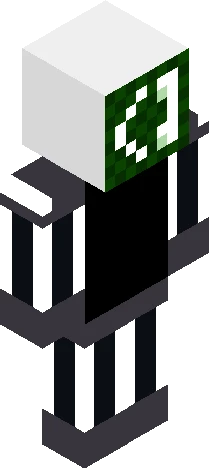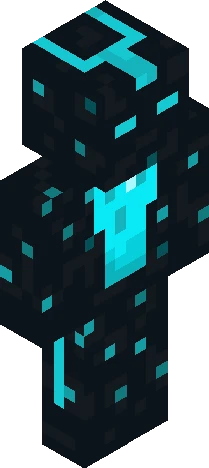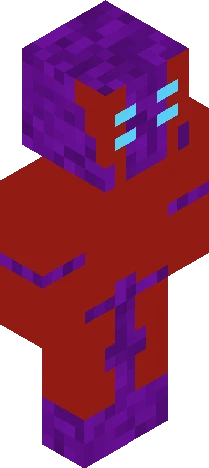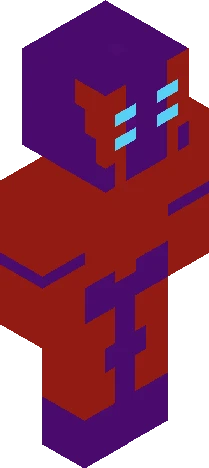
Click and drag to rotate
Cowboy
PX-D7
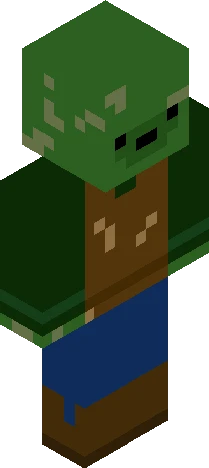
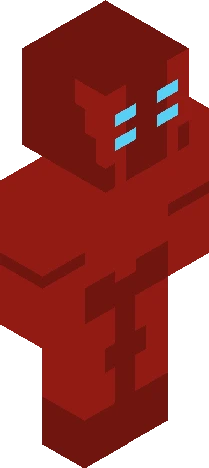
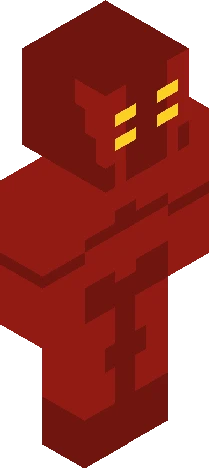
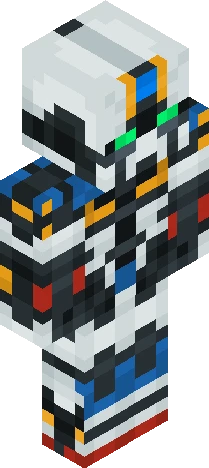
A Robotic Cowboy from a world where humans ether died or went to mars, everything went up in flames as robots tried to build society and failed, everything turning into a post apocalyptic world of rouge robots, amalgams, and broken scrap. every robot now fends for themselves and if possible people they care for, but in common its every machine for themselves.
64×64 · classic or slim is detected from the PNG
Eaglercraft · Minecraft
كيفية استخدام هذا السكين في Eaglercraft
نزّل ملف PNG ثم طبّقه في عميل Eaglercraft الذي تستخدمه. القوائم تختلف حسب الموقع. هذا الموقع لا يوزّع اللعبة.
- 1Download the PNG with the button above.
- 2Open your Eaglercraft 1.8 client in the browser.
- 3On the title screen, open Options, then the skin control. It is often named Skin or Change Skin.
- 4Upload this PNG, or paste a direct image link if that menu asks for a URL.
- 5Join a world. The skin stays in this browser for that client.
Standard model · 64×64. لا نطلب كلمة مرور اللعبة أبداً. ملف السكين مجرد رسم.
استخدام هذا السكين في ماينكرافت
- 1Download the same PNG.
- 2In the Minecraft Launcher, open Skins and choose a new skin.
- 3Pick classic or slim so the arms match this skin, then upload the file.
- 4Bedrock can use this artwork where that device lets you import a custom skin PNG. The file itself is the standard Java skin layout.