Home · Hosting · Announcement: RESHADE CONTEST!!
Click and drag to rotate
Hosting
Announcement: RESHADE CONTEST!!
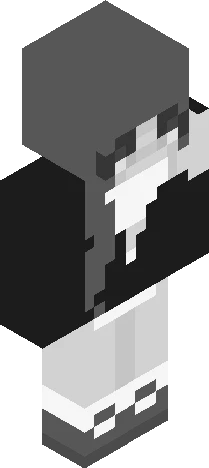
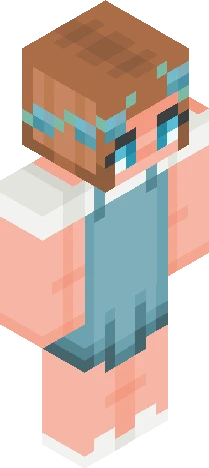
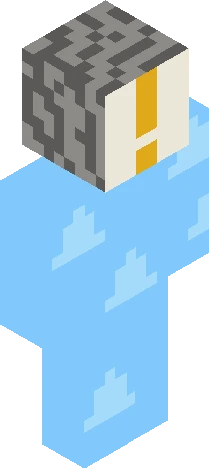
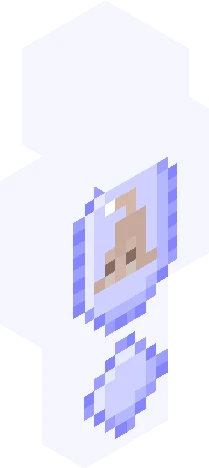
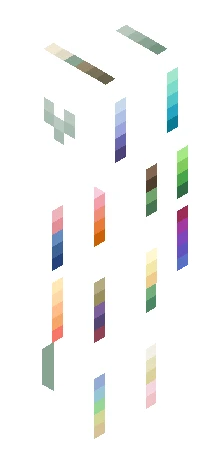
This is the first RC I’m hosting so I’m not sure about everything yet (I’ve no clue what good rewards are for this (I can’t offer likes or a follow since I’m already following the contestants) (if anyone has good ideas for rewards I’d really appreciate knowing them)) For this contest you’ll be reshading my main skin to see what it becomes! #=================================================# Rules: ~You’re allowed to tweak small things (e.g. remove ears, tweak eyes, hue shifting, etc.) ~Keep the skin recognisable. ~Post your entry here in the comments of this skin with a link to your entry. ~Put my name (Scar3dyCat) in the descriptions. Skin Description: It’s supposed to be a plushie. He’s wearing bracelets and a bow tie. The eyes are buttons. And the beige spots are tears in the fabric. The cross pattern grey stuff are stitches. And a the top of the face are the ears. ~Open to anyone who wants to join! ~Deadline: 18 October Rewards: ~1st: Choose a reward ~2nd: Choose a smaller reward ~3rd: Choose a quick small reward (Note: all rewards must be inside my comfort zone to complete and cost no money)
64×64 · classic or slim is detected from the PNG
Eaglercraft · Minecraft
كيفية استخدام هذا السكين في Eaglercraft
نزّل ملف PNG ثم طبّقه في عميل Eaglercraft الذي تستخدمه. القوائم تختلف حسب الموقع. هذا الموقع لا يوزّع اللعبة.
- 1Download the PNG with the button above.
- 2Open your Eaglercraft 1.8 client in the browser.
- 3On the title screen, open Options, then the skin control. It is often named Skin or Change Skin.
- 4Upload this PNG, or paste a direct image link if that menu asks for a URL.
- 5Join a world. The skin stays in this browser for that client.
Standard model · 64×64. لا نطلب كلمة مرور اللعبة أبداً. ملف السكين مجرد رسم.
استخدام هذا السكين في ماينكرافت
- 1Download the same PNG.
- 2In the Minecraft Launcher, open Skins and choose a new skin.
- 3Pick classic or slim so the arms match this skin, then upload the file.
- 4Bedrock can use this artwork where that device lets you import a custom skin PNG. The file itself is the standard Java skin layout.