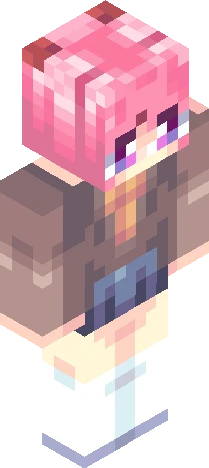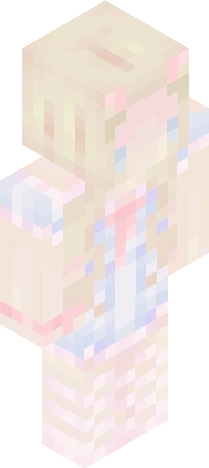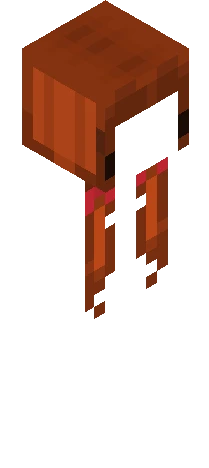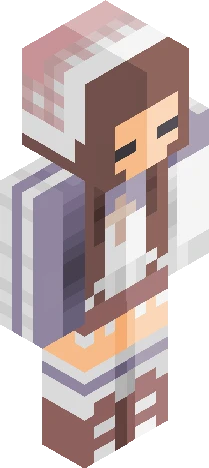
Home · Blue · .: Comfort RCE :
Click and drag to rotate
Blue
.: Comfort RCE :
boop the show more button <33 hi there!! i was invited to this cute lil reshade made by Elizabeth12Hamilton https://www.minecraftskins.com/skin/24295698/b-l-u-e-b-e-l-l-s---rce/ i saw the design and thought it was super cute n' cozy, and i decided to make an entry!! <3 i changed the colors a bit so they're all a bit warmer :3 And honestly im not so sure i did the design justice, but hopefully she makes you feel warm inside <33
64×64 · classic or slim is detected from the PNG
Eaglercraft · Minecraft
كيفية استخدام هذا السكين في Eaglercraft
نزّل ملف PNG ثم طبّقه في عميل Eaglercraft الذي تستخدمه. القوائم تختلف حسب الموقع. هذا الموقع لا يوزّع اللعبة.
- 1Download the PNG with the button above.
- 2Open your Eaglercraft 1.8 client in the browser.
- 3On the title screen, open Options, then the skin control. It is often named Skin or Change Skin.
- 4Upload this PNG, or paste a direct image link if that menu asks for a URL.
- 5Join a world. The skin stays in this browser for that client.
Standard model · 64×64. لا نطلب كلمة مرور اللعبة أبداً. ملف السكين مجرد رسم.
استخدام هذا السكين في ماينكرافت
- 1Download the same PNG.
- 2In the Minecraft Launcher, open Skins and choose a new skin.
- 3Pick classic or slim so the arms match this skin, then upload the file.
- 4Bedrock can use this artwork where that device lets you import a custom skin PNG. The file itself is the standard Java skin layout.